Description
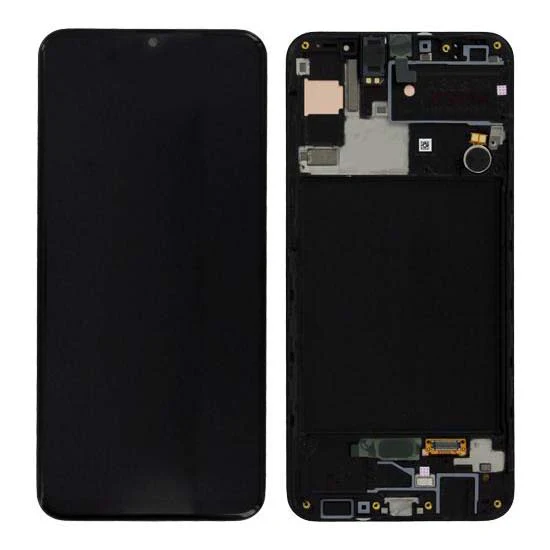
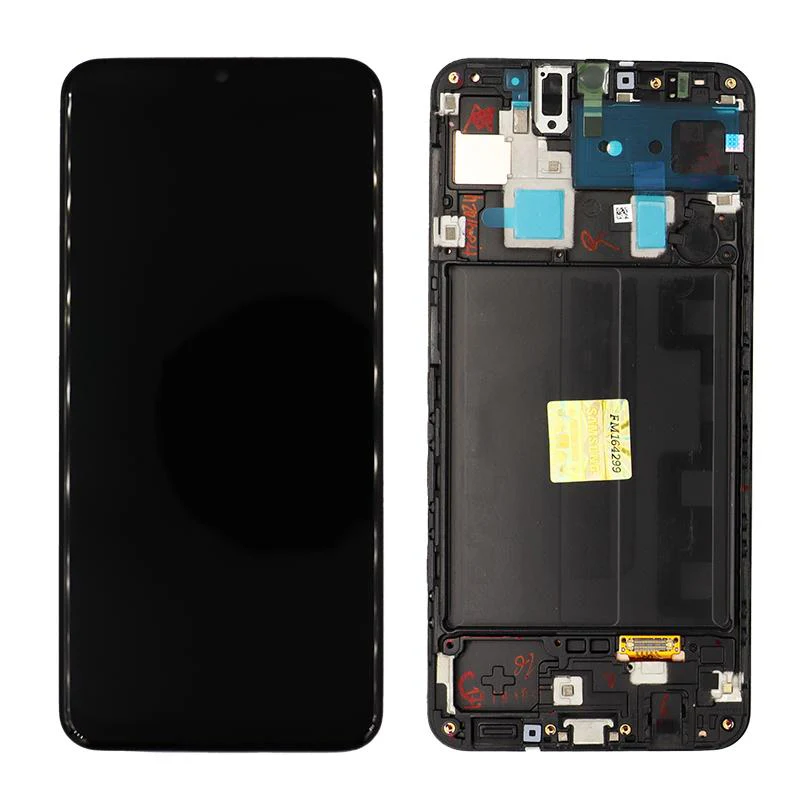
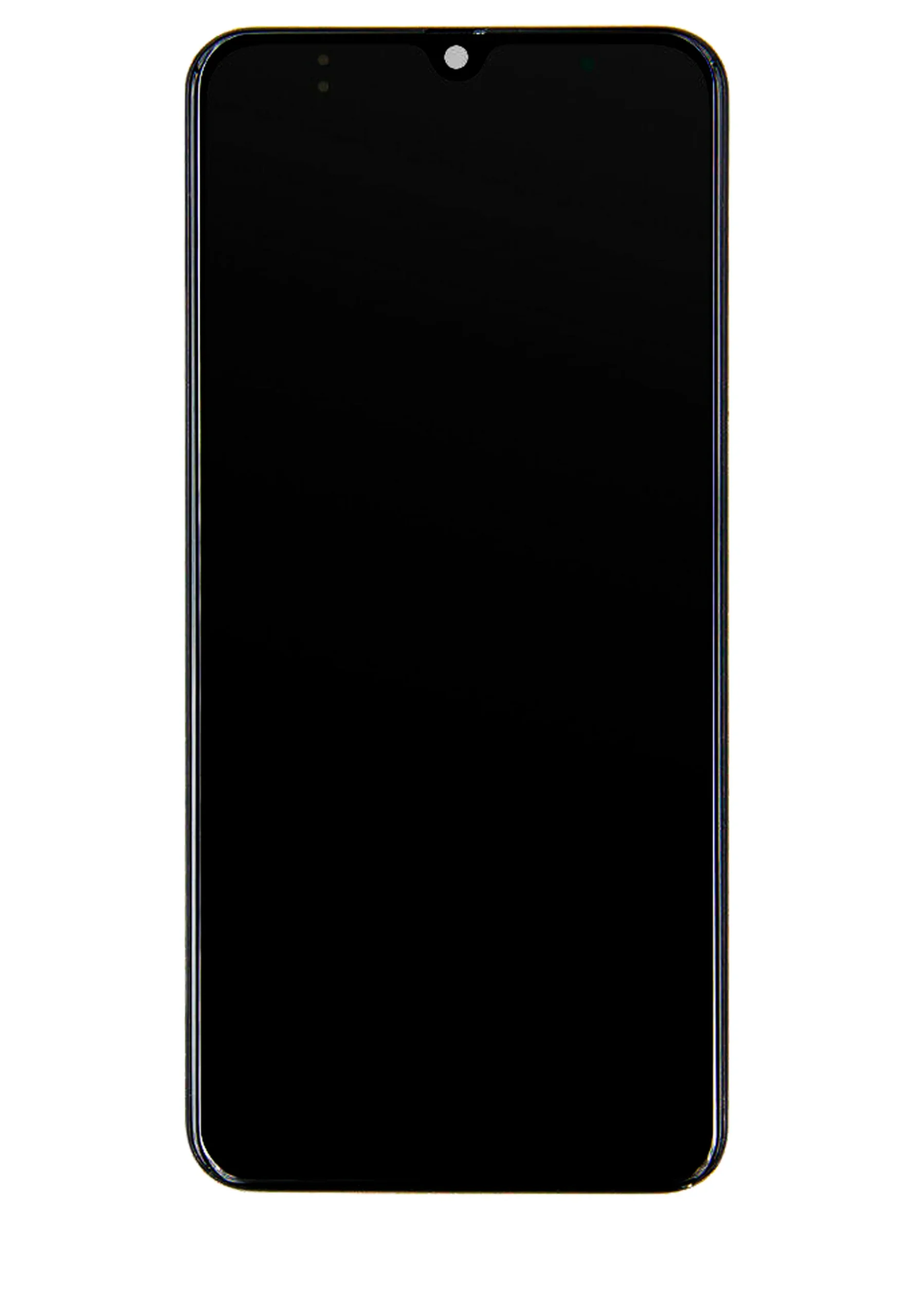
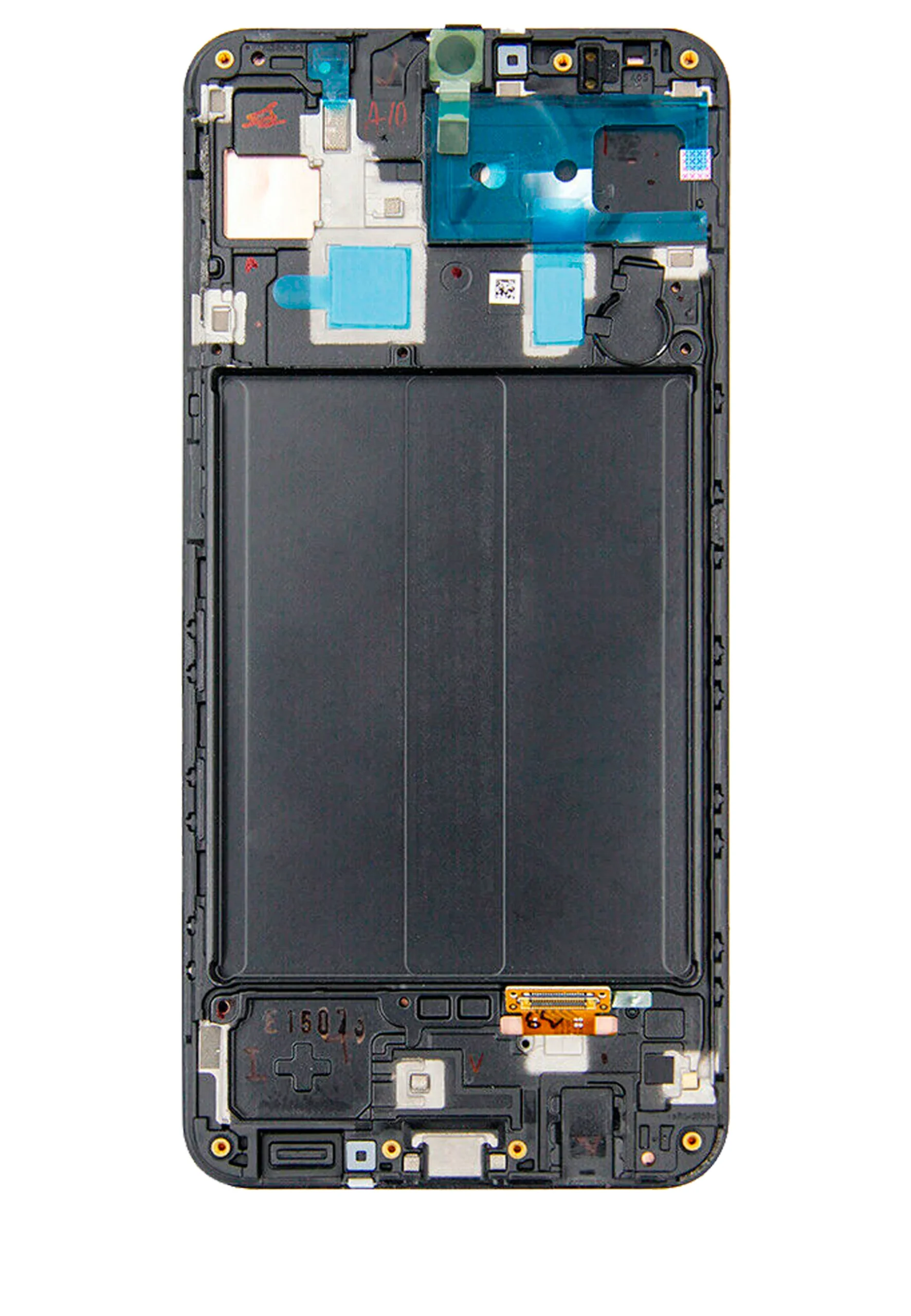
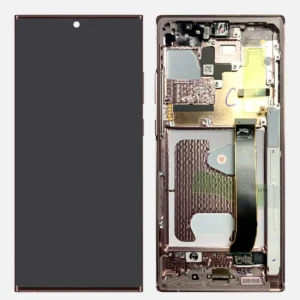
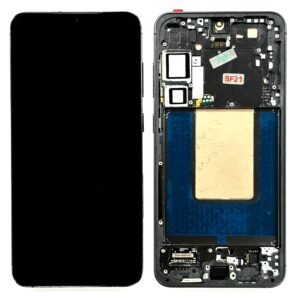
Samsung Galaxy A30s LCD Screen Assembly With Frame – Bright, Smooth, and Like New
Restore your Samsung Galaxy A30s display performance with this high-quality LCD replacement screen assembly. Pre-installed in a durable frame for easier installation, this screen is designed to match original specifications, delivering vivid visuals and responsive touch.
Key Features:
LCD screen replacement with pre-fitted frame for easy install
Designed for Samsung Galaxy A30s (SM-A307)
High-resolution display with accurate colors and sharp clarity
Fully responsive touch panel for smooth use
Ideal for repairing cracked, blacked-out, or unresponsive screens
Whether you’re a technician or doing a DIY repair, this A30s screen assembly provides a factory-fresh look and function for your device.
The Galaxy A30s LCD screen is one of the most important components of your smartphone. It provides a clear and vibrant display for watching videos, browsing apps, and interacting with your device. Any damage or malfunction in the LCD screen can drastically affect user experience, making it difficult to operate the device.
Maintaining the Galaxy A30s LCD screen is crucial for long-term usability. This guide covers common issues, signs of damage, repair and replacement options, and maintenance tips to ensure optimal performance.
Overview of Galaxy A30s LCD Screen
The Galaxy A30s LCD screen combines advanced technology to deliver sharp visuals and responsive touch functionality. Key features include:
-
High-Resolution Display: Provides crisp visuals for a better viewing experience.
-
Vivid Colors: Delivers bright and accurate colors for videos, images, and games.
-
Touch Responsiveness: Ensures smooth interaction with apps and gestures.
-
Durability: Designed to withstand daily use but can be damaged by drops or impact.
Even with its durable design, the LCD screen is prone to cracks, dead pixels, discoloration, and touch sensitivity issues if not handled carefully.
Common Issues with Galaxy A30s LCD Screen
Several problems can arise with the Galaxy A30s LCD screen, affecting performance and usability:
-
Cracks and Physical Damage: Dropping the phone or applying excessive pressure can crack the screen.
-
Dead Pixels: Pixels that no longer function, causing black or discolored spots.
-
Screen Flickering: The display may flicker due to software or hardware issues.
-
Touch Sensitivity Issues: Screen may not respond properly to taps or gestures.
-
Color Discrepancies: Colors may appear faded, washed out, or inaccurate.
-
Backlight Issues: Uneven or dim backlight reduces visibility.
Identifying these issues early helps prevent further damage and ensures timely repair or replacement.
Signs That Indicate Screen Replacement
You should consider repair or replacement of the Galaxy A30s LCD screen if you notice the following:
-
Cracks or visible physical damage.
-
Unresponsive touch functionality.
-
Dead pixels or unusual discoloration.
-
Flickering or uneven brightness.
-
Display distortion or ghosting.
Replacing the LCD screen promptly ensures smooth device operation and prevents damage from spreading to other internal components.
Causes of LCD Screen Damage
The Galaxy A30s LCD screen can be damaged due to multiple factors:
-
Accidental Drops: The most common cause of cracked or shattered screens.
-
Impact Damage: Pressure from sitting or dropping heavy objects on the phone.
-
Exposure to Liquids: Moisture can seep into the screen and damage the display.
-
Manufacturing Defects: Rare, but sometimes screens have pre-existing faults.
-
Wear and Tear: Prolonged use can affect touch sensitivity and display clarity.
Understanding these causes helps in adopting preventive measures to protect the screen.
Repair vs Replacement
Depending on the severity of the damage, the Galaxy A30s LCD screen can either be repaired or replaced:
-
Repair: Suitable for minor issues like small cracks or touch responsiveness problems.
-
Replacement: Required for severe damage, dead pixels, or screen malfunctions.
Using a genuine replacement ensures color accuracy, touch sensitivity, and compatibility with the device.
Professional Repair and Replacement
Professional technicians follow careful procedures when handling Galaxy A30s LCD screen issues:
-
Diagnosis: Identify the exact problem, whether it’s hardware or software-related.
-
Disassembly: Carefully remove the damaged screen using specialized tools.
-
Repair or Replacement: Fix minor issues or install a genuine replacement screen.
-
Testing: Ensure proper touch functionality, display clarity, and color accuracy.
-
Reassembly: Secure all components without causing additional damage.
Professional service guarantees safety, device integrity, and long-term performance.
Maintenance Tips for Galaxy A30s LCD Screen
Proper care can prevent frequent screen issues and extend its lifespan:
-
Use a Screen Protector: Protects against scratches and minor impacts.
-
Avoid Dropping the Device: Use a sturdy phone case to minimize impact damage.
-
Keep the Screen Clean: Regularly wipe with a microfiber cloth to remove dust and smudges.
-
Avoid Excessive Pressure: Do not press hard on the screen to prevent cracks.
-
Protect from Moisture: Avoid using the phone in wet environments without proper protection.
-
Routine Inspection: Check for signs of cracks, dead pixels, or discoloration.
Consistent maintenance ensures the Galaxy A30s LCD screen remains fully functional and responsive.
Benefits of Using Genuine Replacement Screens
Using a genuine replacement for the Galaxy A30s LCD screen offers several advantages:
-
Accurate Colors: Maintains the original display quality.
-
Touch Responsiveness: Ensures smooth and accurate interaction.
-
Long-Term Durability: Genuine screens last longer than low-quality alternatives.
-
Device Performance: Prevents additional issues related to hardware incompatibility.
-
Warranty Assurance: Certified replacements often come with a warranty.
Investing in a genuine screen ensures reliability and improves the user experience.
Cost Considerations
The cost of repairing or replacing the Galaxy A30s LCD screen depends on service type and screen quality:
-
Authorized Service Centers: Higher cost but guarantees genuine parts and professional service.
-
Trusted Online Repair Services: Moderate cost with warranty on parts and services.
-
Local Repair Shops: Affordable, but quality and authenticity must be verified.
Choosing professional services ensures safety, proper installation, and long-term device functionality.
The Galaxy A30s LCD screen is a core component of the smartphone, responsible for both display clarity and touch responsiveness. Any damage or malfunction can significantly affect device usability, making it important to understand the screen’s features, common issues, and maintenance requirements.
This section dives deep into the Galaxy A30s LCD screen, covering its technical specifications, common problems, causes of damage, signs that indicate the need for repair, and step-by-step troubleshooting techniques.
Technical Overview of Galaxy A30s LCD Screen
The Galaxy A30s LCD screen is designed for a high-quality visual experience and smooth touch interaction. Key specifications include:
-
Display Type: Super AMOLED technology for vibrant colors and deep contrasts.
-
Resolution: HD+ resolution ensuring sharp and clear images.
-
Touch Sensitivity: Capacitive touch functionality that detects precise finger movements.
-
Durability: Engineered to resist minor scratches and daily wear.
Even with robust design, external factors like drops, impacts, and exposure to liquids can compromise the screen’s performance.
Common Problems with the LCD Screen
The Galaxy A30s LCD screen can encounter several issues over time. Awareness of these problems helps users identify and address them promptly:
-
Cracks and Breaks: Physical damage from drops or impacts can fracture the glass.
-
Dead Pixels: Pixels that fail to illuminate, causing black or discolored spots.
-
Screen Flickering: Sudden brightness changes or flickering due to hardware or software issues.
-
Touch Sensitivity Issues: The screen may respond slowly or inconsistently to touch inputs.
-
Color Inaccuracy: Colors appear dull, faded, or inaccurate.
-
Backlight Problems: Uneven lighting or dim areas that reduce screen visibility.
Understanding these issues helps in deciding whether troubleshooting, repair, or replacement is required.
Causes of LCD Screen Damage
The Galaxy A30s LCD screen can suffer damage from various factors:
-
Accidental Drops: The most common cause of cracked screens.
-
Impact Damage: Heavy objects or pressure can bend or crack the display.
-
Moisture Exposure: Water or liquids can seep inside and affect display functionality.
-
Improper Handling: Applying excessive pressure on the screen can cause internal damage.
-
Wear and Tear: Prolonged use can result in minor scratches, reduced touch sensitivity, or faded display.
-
Manufacturing Defects: Occasionally, screens may have pre-existing faults affecting performance.
Identifying the cause of damage helps prevent similar issues in the future.
Signs You Need a Screen Repair
Recognizing the early signs of a failing Galaxy A30s LCD screen ensures timely intervention:
-
Visible cracks or fractures on the display.
-
Unresponsive or inconsistent touch performance.
-
Discoloration, dead pixels, or faded areas.
-
Flickering, flashing, or ghosting effects on the screen.
-
Uneven backlighting or dim areas.
Early detection prevents further damage to internal components and enhances device longevity.
Basic Troubleshooting Steps
Some screen issues can be resolved without a full replacement. Follow these steps for effective troubleshooting:
-
Restart the Device: Resolves minor software glitches affecting display functionality.
-
Check for Software Updates: Updates may fix screen responsiveness and flickering problems.
-
Remove Screen Protectors: A misaligned or thick screen protector can interfere with touch sensitivity.
-
Inspect for Physical Damage: Look for cracks, scratches, or pressure points.
-
Clean the Screen: Use a microfiber cloth to remove dust, smudges, and dirt.
-
Safe Reset: Performing a factory reset can sometimes resolve software-related display issues.
These steps help identify whether the issue is software-related or requires professional repair.
Repair vs Replacement
Depending on the severity of the screen problem, the Galaxy A30s LCD screen can either be repaired or replaced:
-
Repair: Minor cracks, unresponsive touch areas, or small dead pixel clusters can often be repaired professionally.
-
Replacement: Severe cracks, extensive dead pixels, flickering, or complete screen failure requires full replacement.
Using genuine replacement screens ensures the same display quality, color accuracy, and touch responsiveness as the original.
Professional Repair and Replacement
Professional repair technicians follow careful procedures when handling the Galaxy A30s LCD screen:
-
Diagnosis: Identify whether the issue is hardware or software-related.
-
Disassembly: Carefully remove the damaged screen using specialized tools.
-
Repair or Replacement: Fix minor issues or install a genuine replacement screen.
-
Testing: Verify touch responsiveness, display clarity, color accuracy, and brightness uniformity.
-
Reassembly: Secure all components without causing damage to other parts.
Professional handling ensures optimal functionality and long-term performance.
Maintenance Tips
Proper maintenance extends the lifespan of the Galaxy A30s LCD screen and prevents frequent issues:
-
Use a Screen Protector: Shields the display from scratches and minor impacts.
-
Use a Sturdy Case: Protects the device from accidental drops and impacts.
-
Clean the Screen Regularly: Remove dust, smudges, and fingerprints with a microfiber cloth.
-
Avoid Excessive Pressure: Do not press hard or apply uneven force on the screen.
-
Protect from Moisture: Keep the phone away from water, rain, and humid conditions.
-
Inspect for Wear: Regularly check for cracks, discoloration, or touch issues.
Consistent care ensures the LCD screen remains fully functional, responsive, and vibrant.
Benefits of Using Genuine Replacement Screens
Replacing a damaged LCD screen with a genuine Galaxy A30s LCD screen provides several advantages:
-
Accurate Colors: Maintains original display quality for videos, images, and apps.
-
Smooth Touch Responsiveness: Ensures reliable interaction with the device.
-
Long-Term Durability: Genuine screens last longer than third-party alternatives.
-
Device Performance: Prevents further hardware issues caused by low-quality components.
-
Warranty Assurance: Certified screens often come with a warranty for peace of mind.
Investing in genuine parts ensures reliability, consistent performance, and a better user experience.
Cost Considerations
The cost of repairing or replacing a Galaxy A30s LCD screen depends on:
-
Authorized Service Centers: Slightly higher cost, but guarantees original parts and professional service.
-
Trusted Online Services: Moderate cost with warranty on parts and services.
-
Local Repair Shops: Affordable, but verify authenticity and quality.
Choosing a professional and reliable service prevents further damage and ensures the screen performs as expected.
The Galaxy A30s LCD screen is one of the most essential parts of your smartphone. It delivers clear visuals, vibrant colors, and smooth touch functionality. A damaged screen not only affects the device’s display but also impacts overall usability. Understanding the screen’s maintenance requirements, repair options, and best practices ensures your phone continues to perform optimally.
This section explores the Galaxy A30s LCD screen in detail, highlighting repair considerations, proper handling techniques, maintenance routines, and preventive strategies to ensure long-term durability.
Recognizing Common Screen Issues
Even with careful use, the Galaxy A30s LCD screen can develop problems over time. Early detection is key to preventing further damage. Common issues include:
-
Cracks and Fractures: Accidental drops or impact can shatter the glass.
-
Dead Pixels: Pixels may stop functioning, causing black spots or color inconsistencies.
-
Touch Responsiveness Problems: Screen may not respond accurately to taps or gestures.
-
Flickering or Display Distortion: Uneven brightness, flickering, or ghosting can occur.
-
Color Inaccuracy: Colors may appear dull, faded, or unnatural.
-
Backlight Issues: Uneven or dim lighting can reduce visibility and strain the eyes.
Identifying these problems early allows users to take corrective action before damage worsens.
Causes of LCD Screen Damage
Understanding the causes of screen damage helps in preventing future issues:
-
Accidental Drops: The most common cause of physical damage.
-
Excessive Pressure: Applying too much force or sitting on the phone.
-
Moisture Exposure: Water or liquids can seep inside and damage internal components.
-
Dust and Debris: Small particles can scratch or interfere with touch functionality.
-
Manufacturing Defects: Rare, but sometimes screens have pre-existing faults.
-
Wear and Tear: Long-term usage can slightly degrade color accuracy and touch response.
By understanding these factors, users can adopt protective measures to safeguard the screen.
Signs That Indicate Repair is Needed
The following signs suggest that your Galaxy A30s LCD screen may require repair or replacement:
-
Visible cracks or fractures on the glass.
-
Unresponsive or inconsistent touch performance.
-
Discoloration, dead pixels, or faded areas.
-
Flickering, flashing, or ghosting effects on the screen.
-
Uneven backlighting or dim areas.
Timely repair prevents further internal damage and maintains the device’s usability.
DIY Troubleshooting Tips
Some minor LCD screen problems can be addressed at home before opting for professional repair:
-
Restart the Device: Resolves minor software glitches affecting display.
-
Check for Software Updates: Updates can improve touch response and fix display issues.
-
Clean the Screen: Use a microfiber cloth to remove dust, smudges, and debris.
-
Remove Screen Protector: Sometimes a misaligned or thick protector interferes with touch sensitivity.
-
Check for Loose Connections: Ensure that any loose internal connectors are properly secured (if comfortable opening the device).
These steps help identify whether the issue is software-related or requires professional intervention.
Repair vs Replacement
Depending on the severity of the problem, the Galaxy A30s LCD screen can either be repaired or fully replaced:
-
Repair: Minor cracks, small dead pixel areas, or touch issues can often be fixed professionally.
-
Replacement: Severe cracks, extensive dead pixels, flickering, or complete screen failure requires a full LCD screen replacement.
Using genuine replacement screens ensures that color accuracy, touch responsiveness, and overall device performance are maintained.
Professional Repair Process
Authorized technicians follow a careful procedure when repairing or replacing the Galaxy A30s LCD screen:
-
Diagnosis: Identify the exact issue, whether it’s hardware or software-related.
-
Disassembly: Carefully remove the damaged screen using specialized tools.
-
Repair or Replacement: Fix minor issues or install a genuine replacement screen.
-
Testing: Ensure touch functionality, display clarity, brightness, and color accuracy.
-
Reassembly: Reassemble the device without causing additional damage.
Professional handling ensures optimal performance and long-term reliability of the screen.
Maintenance Tips for Galaxy A30s LCD Screen
Proper care can significantly extend the lifespan of the Galaxy A30s LCD screen:
-
Use a Screen Protector: Protects the screen from scratches and minor impacts.
-
Use a Sturdy Phone Case: Minimizes damage from accidental drops.
-
Clean the Screen Regularly: Remove dust, smudges, and fingerprints using a microfiber cloth.
-
Avoid Excessive Pressure: Do not press hard or apply uneven force on the screen.
-
Keep Away from Moisture: Avoid exposing the device to water or humid conditions.
-
Routine Inspection: Check periodically for cracks, dead pixels, or touch issues.
These practices help maintain touch responsiveness, display quality, and device longevity.
Benefits of Professional Replacement
Using a professional service and genuine Galaxy A30s LCD screen replacement has several advantages:
-
Accurate Color Display: Maintains original display quality.
-
Smooth Touch Responsiveness: Ensures reliable interaction with the device.
-
Durable and Long-Lasting: Genuine screens last longer than third-party alternatives.
-
Device Performance: Prevents further issues caused by incompatible parts.
-
Warranty Protection: Certified screens often come with a warranty.
Investing in professional service guarantees both performance and peace of mind.
Cost Considerations
The cost of repairing or replacing a Galaxy A30s LCD screen varies:
-
Authorized Service Centers: Slightly higher cost, but ensures genuine parts and professional work.
-
Trusted Online Services: Moderate cost, often with warranty on parts and services.
-
Local Repair Shops: Affordable, but verify the authenticity and quality of the screen.
Choosing a professional and trustworthy service ensures proper installation and long-term functionality.


Reviews
There are no reviews yet.