Description
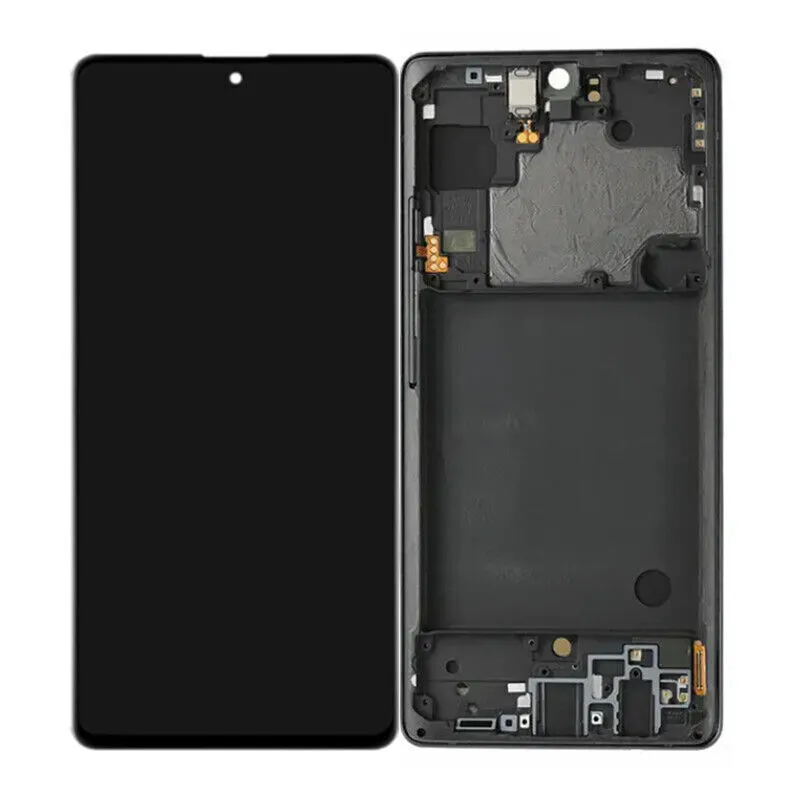
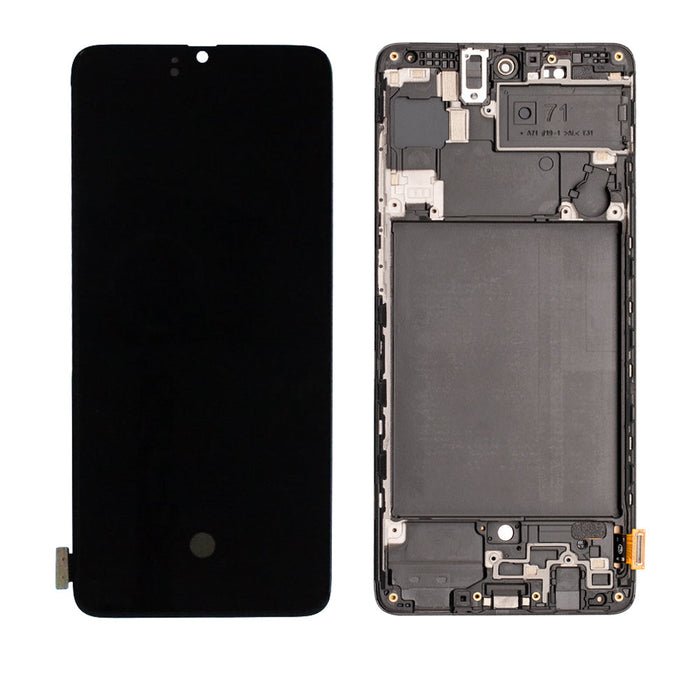
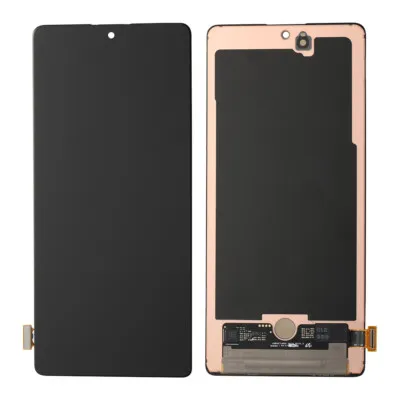
Samsung Galaxy A71 LCD Screen Assembly With Frame – Full Display Restoration Made Easy
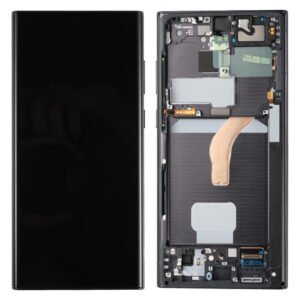
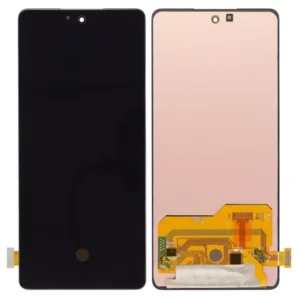
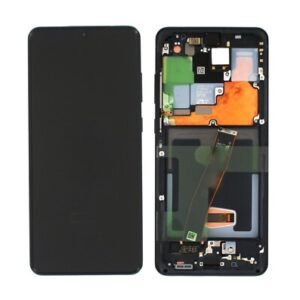
Replace your damaged or malfunctioning screen on the Samsung Galaxy A71 (A715 / 2019) with this complete LCD assembly. It includes the digitizer and frame, making installation quicker and more secure—ideal for professional repair or DIY users.
This part restores original display clarity, color accuracy, and touchscreen responsiveness, solving a range of common screen issues efficiently.
Why Choose This LCD Assembly?
Designed for Galaxy A71 (A715 – 2019 version)
Includes LCD, digitizer, and frame in one unit
Tested for brightness, touch accuracy, and durability
Quick installation with pre-attached frame
Ideal for broken, non-responsive, or blank screens
Bring your A71 back to life with this reliable and easy-to-install replacement display.
The Samsung Galaxy A71 is a popular mid-range smartphone known for its strong performance and versatile camera system. However, there is often confusion around its display technology. This article provides a definitive look at the Galaxy A71 LCD screen—its features, performance, and how it stacks up against other display types in its category.
Display Specifications: Galaxy A71 LCD Screen Overview
Let’s start with the technical details. The Galaxy A71 LCD screen offers the following specs:
-
Type: Super AMOLED Plus (Note: This is Samsung’s marketing term for a high-quality LCD)
-
Size: 6.7 inches
-
Resolution: 1080 x 2400 pixels (FHD+)
-
Pixel Density: ~393 PPI
-
Refresh Rate: 60Hz
-
Brightness: Up to ~600 nits (typical)
These specifications place the Galaxy A71 LCD display firmly in the competitive mid-range segment, offering a large and detailed viewing experience suitable for media consumption and daily use.
Super AMOLED Plus? Clarifying the Galaxy A71 LCD Technology
Many shoppers are surprised to learn that the Galaxy A71 LCD screen is officially labeled by Samsung as a Super AMOLED Plus display. Historically, Samsung has used the “Plus” designation not for OLED, but for advanced LCD panels with enhanced color and brightness performance.
So, while the name might be confusing, the Galaxy A71 LCD screen is indeed a high-quality Liquid Crystal Display, not an OLED. This is a key differentiator from some other models in Samsung’s lineup and an important factor for buyers to consider.
Performance Review: Strengths of the Galaxy A71 LCD Screen
The Galaxy A71 LCD display holds its own with several notable advantages:
1. Vibrant Color Reproduction
Thanks to Samsung’s tuning, the Galaxy A71 LCD screen delivers rich and saturated colors. While it may not achieve the infinite contrast of OLED, it still provides an enjoyable viewing experience for videos, games, and apps.
2. Excellent Brightness for Indoor Use
With a peak brightness of around 600 nits, the screen remains clearly visible in most indoor and shaded outdoor settings. This makes it practical for everyday browsing, social media, and messaging.
3. No Risk of OLED Burn-In
A significant advantage of LCD technology is its immunity to screen burn-in. Static images like navigation bars or status icons won’t cause permanent retention, making the Galaxy A71 LCD screen a reliable long-term choice.
4. Cost-Effectiveness
The use of LCD technology helps keep the overall cost of the Galaxy A71 down, allowing Samsung to include other features like a large battery and versatile quad-camera system.
Limitations of the Galaxy A71 LCD Display
No display is perfect, and it’s important to acknowledge the trade-offs:
-
Lower Contrast Than OLED: Blacks appear more as dark grays, especially noticeable in dark rooms or when watching movies with letterbox bars.
-
Thicker Bezels: LCD screens often require slightly thicker bezels, which can affect the modern “all-screen” look.
-
No Always-On Display: Unlike OLED screens, the Galaxy A71 LCD display cannot support an Always-On Display feature due to power consumption constraints.
Gaming and Media Experience on the Galaxy A71 LCD
For most users, the Galaxy A71 LCD screen provides a more than satisfactory experience. Gaming is smooth at 60Hz, and FHD+ resolution ensures details remain sharp. Streaming video looks vibrant, though cinephiles may notice the contrast limitations in very dark scenes.
Comparing LCD vs OLED: Which Is Better for You?
If you’re deciding between the Galaxy A71 LCD screen and an OLED alternative, consider the following:
-
Choose LCD if: You want reliable performance, no risk of burn-in, and better value.
-
Choose OLED if: You prioritize perfect blacks, higher contrast, and features like Always-On Display.
Final Thoughts: Is the Galaxy A71 LCD Screen Good?
The Galaxy A71 LCD display is a solid and dependable screen. It offers good color accuracy, more than enough brightness for daily use, and excellent longevity thanks to its burn-in resistance. While it may not deliver the absolute best contrast available, it provides tremendous value and remains one of the better LCD panels available in the mid-range market.
For users looking for a balanced smartphone experience without paying a premium for OLED, the Galaxy A71 LCD screen is a compelling choice.
Beyond the Basics: A Technical & Practical Analysis of the Galaxy A71 LCD Screen
In our initial overview, we covered the fundamental specifications and positioning of the Galaxy A71 LCD screen. Now, it’s time to delve deeper. This section will explore the engineering behind the display, its real-world performance across various use cases, its advantages in longevity, and how it strategically fits into both Samsung’s lineup and the broader mid-range market. Understanding these nuances is key to appreciating why Samsung chose an LCD for this device and for whom this choice represents a smart decision.
Demystifying the “Super AMOLED Plus” Branding: It’s an LCD
The single greatest source of confusion surrounding the Galaxy A71 LCD screen is its official branding: Super AMOLED Plus. Historically, Samsung has used the “Plus” suffix not for its OLED panels, but to denote a higher-tier LCD technology that incorporates enhanced performance characteristics.
Think of it this way:
-
Super AMOLED: Samsung’s marketing term for its flagship OLED displays with integrated touch sensors.
-
Super AMOLED Plus (in this context): Samsung’s marketing term for a premium LCD that utilizes advanced pixel structures, enhanced colour calibration, and better backlight systems to closer mimic the vibrancy of OLED without the cost.
This naming convention is designed to communicate a premium experience, which the Galaxy A71 LCD display largely delivers, but it’s crucial for consumers to know they are getting a top-quality LCD, not an OLED panel. This distinction is central to managing expectations regarding contrast, power efficiency, and features.
Real-World Performance: Where the Galaxy A71 LCD Screen Shines
Theoretical specs are one thing; daily usage is another. The Galaxy A71 LCD screen excels in several key areas:
-
Sunlight Legibility: With a peak brightness of approximately 600 nits, the display is perfectly adequate for indoor use and manageable in most outdoor scenarios. While it may not boast the extreme peak brightness of modern flagship OLEDs (which can exceed 1500 nits), Samsung’s software optimization ensures that content remains readable by automatically boosting contrast in bright light. You might need to shade it with your hand in direct, bright sunlight, but for most users, it’s perfectly functional.
-
Color Fidelity and Modes: Samsung is a master of display calibration. The Galaxy A71 LCD screen offers two primary viewing modes in the settings:
-
Vivid: This mode pushes the colour gamut to its limits, providing the saturated, punchy visuals that Samsung is famous for. It’s ideal for social media browsing, gaming, and watching vibrant content.
-
Natural: This mode adheres more closely to the sRGB colour standard, offering greater accuracy for users who edit photos or prefer true-to-life colour reproduction.
This flexibility allows users to tailor the Galaxy A71 LCD display to their personal preference.
-
-
Gaming and Responsiveness: The 60Hz refresh rate is standard for its time and price segment. While it lacks the buttery smoothness of 90Hz or 120Hz displays found on newer devices, it provides a consistently smooth and responsive experience for casual and mid-core gaming. The touch sampling rate is sufficient for accurate input, ensuring games feel responsive even if they aren’t the absolute smoothest.
The Unsung Hero: Durability and Long-Term Reliability of the LCD
This is arguably the most significant advantage of the Galaxy A71 LCD screen and a primary reason for its use.
-
Zero Risk of Burn-In: OLED screens, over very long periods, can suffer from “image retention” or “burn-in,” where faint ghosts of static elements (like navigation buttons or status bar icons) become permanently visible. This is caused by the uneven aging of the organic pixels. The Galaxy A71 LCD display is completely immune to this phenomenon. The liquid crystals and backlight age uniformly, meaning the display will look as consistent in three or four years as it does on day one. This makes it an exceptional choice for power users, those who use navigation apps for long periods, or anyone who plans to keep their phone for an extended duration.
-
Cost-Effective Repairs: Should the worst happen and the screen cracks, the cost of a Galaxy A71 LCD replacement is typically significantly lower than the cost of repairing an equivalent OLED panel. This makes long-term ownership less financially daunting.
Strategic Positioning: Why an LCD was the Right Choice for the A71
Samsung’s decision to use a high-quality LCD in the Galaxy A71 was not a shortcut but a strategic calculation to create a perfectly balanced product.
-
Cost Allocation: By utilizing a sophisticated but cost-effective Galaxy A71 LCD screen, Samsung freed up the budget to include other features that customers in this segment value highly:
-
A large 4,500mAh battery with 25W fast charging.
-
A versatile quad-camera system with a 64MP main sensor.
-
A sleek and modern design with a minimal punch-hole.
This holistic approach ensures the phone feels premium overall, without any single component (like the display) feeling glaringly weak.
-
-
Market Differentiation: It clearly differentiates the A71 from the more expensive S-series and Note-series (which use Dynamic AMOLED) while offering a superior overall package to budget A-series models. It carves out a definitive “sweet spot” in the market.
Addressing the Limitations: Contrast and Features
To provide a balanced view, we must acknowledge where the Galaxy A71 LCD display makes concessions compared to OLED.
-
Contrast Ratio: This is the most noticeable technical difference. Because the LCD uses a global backlight, it cannot produce true blacks. Instead, blacks appear as very dark greys. This is most apparent in a dark room when watching a movie with letterbox bars; the black bars will be noticeably grey compared to the rest of the darkened room. For most content, it’s not a deal-breaker, but videophiles will notice.
-
Feature Limitations: The always-on display (AOD) functionality is a hallmark of OLED technology because it can power only a few pixels at a time. The Galaxy A71 LCD screen cannot support this feature efficiently, as the entire backlight would need to be activated, defeating the power-saving purpose of AOD.

Reviews
There are no reviews yet.